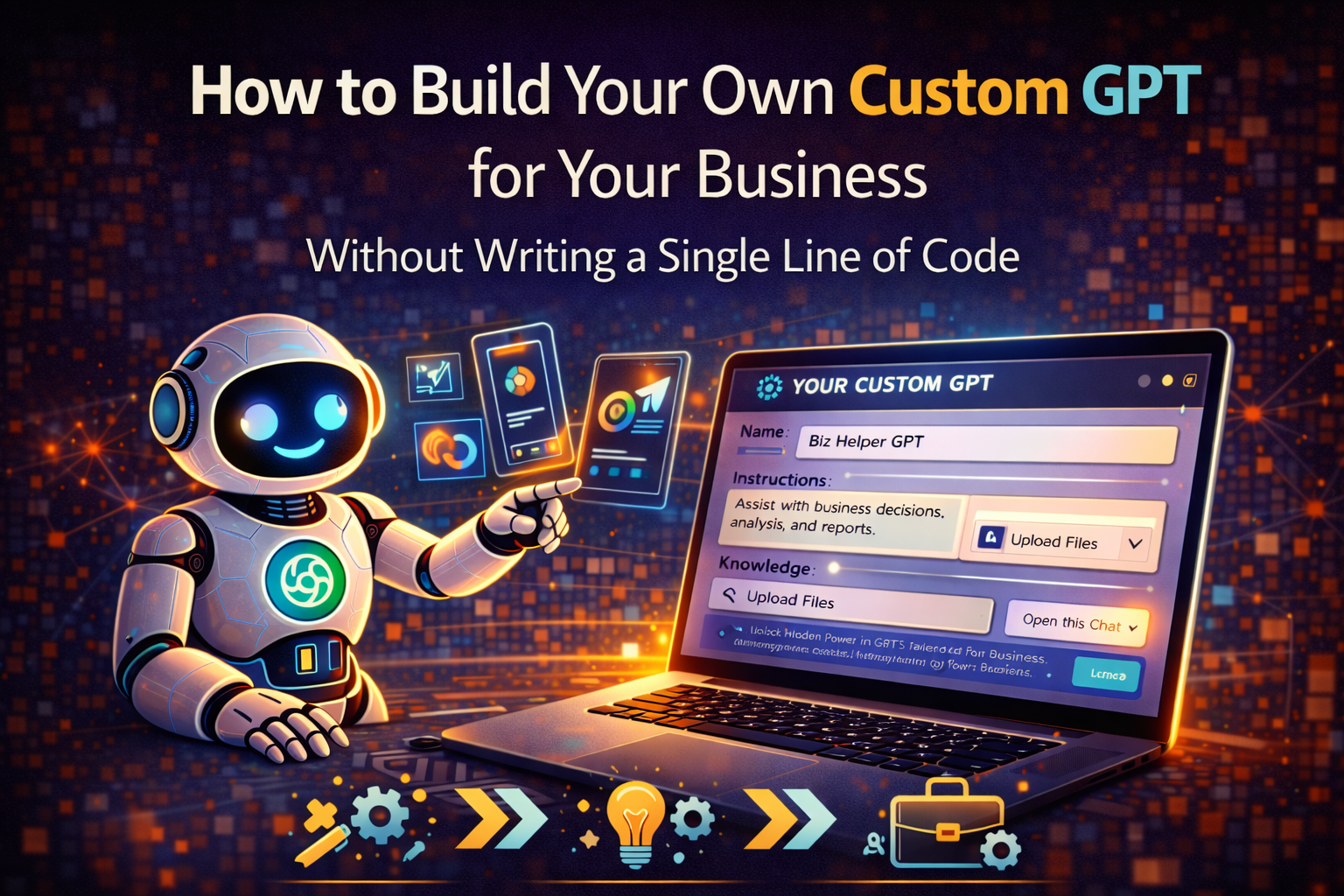
Custom GPTs are one of the most underused features available to ChatGPT Plus subscribers, and the gap between how few business owners have built one and how many would benefit from having one is large enough to be worth addressing directly. The most common reason given for not building one is the assumption that it requires technical knowledge — that “custom” implies code, configuration files, or developer skills. It doesn’t. Building a Custom GPT that genuinely improves how you work takes about thirty minutes, requires nothing more technical than writing a paragraph, and produces something you’ll use every day rather than just once to see what it does.
The second reason people haven’t built one is that they’re not entirely sure what a Custom GPT is or how it differs from just using ChatGPT with a detailed prompt. That distinction is worth making clear before getting into the how-to, because understanding what you’re actually building makes the configuration decisions more obvious.
A regular ChatGPT conversation starts from zero every time. You open a new chat, you provide context, you explain what you need, and the model responds. Close the chat and start another one and you’re back to zero again. A Custom GPT is a persistent configuration — a version of ChatGPT that has been set up once with specific instructions, knowledge, and behavior patterns that apply automatically in every conversation within that GPT. Instead of starting from zero, you start from exactly the right place for the specific task the GPT was built for.
That persistent configuration is what makes Custom GPTs genuinely valuable for recurring business tasks rather than just interesting to experiment with.
What a Custom GPT Actually Contains
Before building one, understanding the components that make up a Custom GPT helps you make intentional decisions about each element rather than accepting defaults.
The name and description are visible in the GPT interface and serve as the reminder of what the GPT is for when you’re choosing which one to open. Clear, specific names — “Client Proposal Writer” rather than “My GPT” — make the library of Custom GPTs you’ll build over time navigable rather than confusing.
The system prompt — called Instructions in the GPT Builder — is the most important component. It’s the persistent set of directions that shapes how the GPT behaves in every conversation: what role it plays, what it knows about your business, how it should communicate, what it should always do, and what it should never do. A well-written system prompt is the difference between a Custom GPT that produces immediately useful output and one that produces generic output with a custom name.
The knowledge base is the set of documents you can upload to the GPT that it references when generating responses. Product catalogs, brand guidelines, FAQ documents, case studies, policy documents, pricing structures — any content that you’d otherwise need to paste into prompts can be stored in the knowledge base and accessed automatically. The GPT can read these documents and draw on their content when answering questions or generating output, which means you don’t have to re-provide this information in every conversation.
The capabilities settings — whether the GPT can browse the web, generate images with DALL-E, or run code — determine which ChatGPT features are available within the GPT. Enabling web browsing for a competitive research GPT, for example, makes the GPT able to find current information rather than relying only on training data and uploaded knowledge.
Conversation starters are the suggested prompts that appear when you open the GPT. Well-chosen conversation starters guide users toward the most valuable applications of the GPT and reduce the time to first useful output for anyone using a GPT you’ve built for your team.
The Five Custom GPTs Every Small Business Should Build
Rather than describing Custom GPTs in the abstract, the most useful approach is to identify the specific GPTs that deliver the most value for typical small business workflows — the ones that address recurring, time-consuming tasks where the persistent configuration advantage is most significant.
The Brand Voice Writer
Every piece of marketing content you produce should sound like your brand. The brand voice writer GPT stores your brand voice guidelines, your target audience description, your preferred vocabulary, the phrases you use and the phrases you avoid, and examples of your best existing content. Every conversation in this GPT starts with that context fully loaded, which means you never have to re-explain your brand to get on-brand output.
The system prompt for a brand voice writer should include: a description of your brand voice in two to three sentences, three to five examples of content that represents your voice at its best, a list of words and phrases that are characteristic of your brand, a list of words and phrases you never use, a description of your target audience and what they care about, and instructions for the GPT to ask clarifying questions if the brief is ambiguous before generating content rather than making assumptions.
The knowledge base for this GPT should include: your brand style guide if you have one, your most successful existing content pieces, your product or service descriptions, and any other brand documentation that would inform content generation.
The Customer Response Assistant
Customer communications require consistent tone, accurate information about your products and policies, and the judgment to handle different types of inquiries appropriately. A customer response assistant GPT stores all of that context permanently so you don’t have to reconstruct it each time you need to draft a customer email.
The system prompt should establish the role — a customer service representative for your specific business — and include your communication tone guidelines, your approach to common situations like complaints, refund requests, and escalations, and any specific phrases that are part of your customer service voice. The knowledge base should include your complete product or service documentation, your full policy documents, your FAQ content, and any other reference material that a customer service representative would need to respond accurately.
With this GPT configured, drafting a customer response is a matter of describing the situation and asking for a draft — the GPT already knows everything about your business, policies, and communication style that the response needs to reflect.
The Sales Outreach GPT
Cold email, follow-up sequences, and prospect research are tasks that benefit from the kind of persistent context that a Custom GPT provides. A sales outreach GPT configured with your ideal customer profile, your value proposition, your common objections and responses, your preferred email structure, and your brand voice produces outreach drafts that are immediately more relevant than what you’d get from a generic ChatGPT prompt.
The system prompt should describe your ideal customer in detail, articulate your value proposition in your own language, include examples of your best-performing outreach emails, specify the structure and length preferences for different email types, and list the objections you address most commonly along with your preferred responses. The knowledge base should include your case studies, your product or service documentation, and any other content that informs your sales conversations.
Enabling web browsing for this GPT is particularly valuable — it allows the GPT to research specific prospects as part of the outreach drafting process rather than requiring you to research separately and paste the findings into the prompt.
The Meeting Preparation and Summary GPT
Every meeting you take deserves preparation — understanding the agenda, the participants, the relevant history, and the outcomes you’re driving toward — and every meeting you finish deserves documentation — decisions made, action items with owners, open questions, follow-up needed. A meeting preparation and summary GPT handles both ends of the meeting process consistently.
The system prompt for this GPT should establish two modes: preparation mode, which produces a structured pre-meeting brief from the information you provide about an upcoming meeting, and summary mode, which converts meeting notes or transcripts into structured documentation with decisions, action items, and follow-ups clearly separated. Include your preferred format for each mode, the level of detail appropriate to different meeting types, and your preferences for how action items are documented.
The knowledge base can include background documents on recurring meeting types — client context documents, project briefs, team information — that the GPT references when preparing for meetings with those specific participants.
The Content Repurposing GPT
Content repurposing — taking a piece of content that exists in one format and transforming it into several others — is one of the most time-consuming and most frequently deferred tasks in small business content marketing. A blog post that should become a LinkedIn article, a Twitter thread, an email newsletter section, and a short video script often stays as just a blog post because the repurposing work keeps getting pushed to later.
A content repurposing GPT configured with your brand voice, your platform-specific guidelines, and your preferred formats for each platform makes repurposing fast enough to actually happen. The system prompt should describe the output required for each platform — LinkedIn, Twitter/X, Instagram, email newsletter, short video script — with specific guidance on length, tone, format, and structural requirements for each. Include your brand voice guidelines so the repurposed content sounds like you across all platforms rather than like a generic adaptation.
Building the System Prompt That Makes It Work
The system prompt is where most Custom GPT configurations succeed or fail, and understanding what makes a strong system prompt is the most important skill in Custom GPT building.
Strong system prompts share five characteristics. They establish a clear role — the GPT knows exactly what kind of tool it is and what it’s trying to accomplish. They include specific behavioral instructions — not just what to do but how to do it, with enough specificity that the GPT doesn’t have to guess. They define the audience — the GPT knows who it’s helping and what that person needs. They include constraints — what the GPT should never do, what topics are out of scope, what styles to avoid. And they include examples — showing the GPT what good output looks like is more effective than describing it in the abstract.
A practical approach to building a system prompt: start by writing a paragraph describing the GPT’s role and purpose in plain language, as if you were explaining it to a new employee. Then write a second paragraph describing how it should communicate — the tone, the format, the level of detail. Then write a list of specific always-do and never-do instructions. Then paste one or two examples of the output you want the GPT to produce. That structure covers the essential elements and can be refined based on testing.
The testing process is the step most people skip and the one that determines whether the GPT actually does what you intended. After building the initial system prompt, test it with five to ten representative tasks — the kinds of requests you’ll actually make of this GPT in real use. For each test, evaluate whether the output required significant editing to be useful, and if so, what specific instruction in the system prompt would have produced better output. Refine the system prompt based on those observations and retest. Two or three rounds of this cycle produces a system prompt that handles real tasks reliably rather than performing well in demonstrations and failing in practice.
Organizing and Sharing Custom GPTs With Your Team
Custom GPTs can be kept private — visible only to you — or shared with specific people or made publicly available. For small business owners building GPTs for recurring tasks, the private configuration is typically appropriate for personal productivity GPTs and the team-sharing configuration is appropriate for GPTs that standardize how your team handles common tasks.
Sharing a Custom GPT with your team through the Team plan or by sharing the link produces consistency in how common tasks are handled — every team member drafting customer responses uses the same configured tool with the same brand voice and policy knowledge, which produces more consistent output than each person using their own prompting approach.
Documenting the purpose and appropriate use of each Custom GPT in a simple reference document — even just a paragraph per GPT describing what it’s for, when to use it, and how to get the best results from it — reduces the onboarding time for new team members and prevents GPTs from being misused for tasks they weren’t designed for.
The Thirty-Minute Investment That Changes Your Daily Workflow
Building your first Custom GPT — the brand voice writer is usually the best starting point because it benefits almost every subsequent content task — takes about thirty minutes. Access the GPT Builder through the Explore GPTs section in the ChatGPT sidebar, click Create, and work through the builder’s guided configuration process.
The builder uses a conversational approach — it asks you questions about what you want the GPT to do and generates an initial system prompt from your answers. Review that prompt, adjust anything that doesn’t match your intent, add your knowledge base documents, configure the capabilities, and add conversation starters for the most common tasks. Test with a real request before saving.
After the first GPT, subsequent ones take less time because the configuration decisions become familiar and the system prompt structure becomes a template you adapt rather than build from scratch. By the fourth or fifth GPT, the process takes fifteen minutes rather than thirty.
The cumulative effect of having five well-configured Custom GPTs that cover your highest-frequency, most context-dependent business tasks is a daily workflow where AI assistance starts from exactly the right place every time rather than from a blank page that needs to be brought up to speed before it can be useful. That’s not a marginal improvement — it’s the difference between AI as an occasional convenience and AI as a genuine component of how the business operates.
The Business That Runs on Custom Tools
The businesses that get the most value from AI tools in 2026 are not necessarily the ones spending the most on subscriptions or using the most different tools. They’re the ones that have invested in building configurations that fit their specific operations rather than using generic tools for specific needs.
Custom GPTs are the mechanism through which a generic AI tool becomes a business-specific tool — one that knows your brand, your customers, your policies, and your preferences, and applies that knowledge automatically rather than requiring it to be re-established every time. Building that specificity into the tools you use every day is the leverage point that separates AI as a novelty from AI as a competitive advantage.
→ Related: The ChatGPT Features Most Business Users Have Never Touched (But Should)
→ Also worth reading: How to Write AI Prompts That Actually Get You Useful Results
Built your first Custom GPT and not sure why it’s not producing the output you expected, or have a specific business task you want to build a GPT for and not sure how to configure the system prompt? Leave a comment with the details and we’ll help you get it working the way you intended.
Leave a Reply