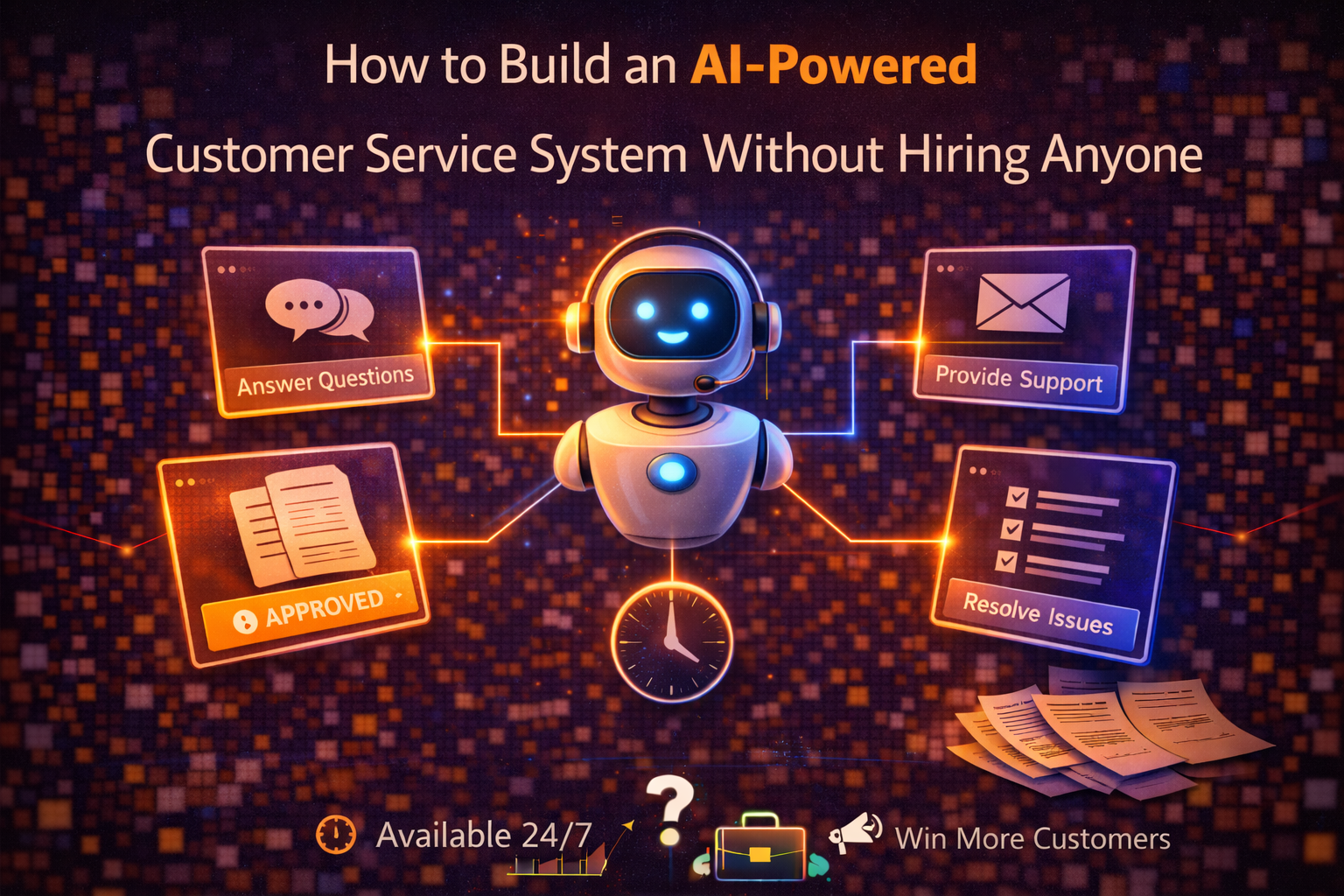
Customer service has a scalability problem that’s particularly acute for small businesses. The volume of customer inquiries grows with the business — more customers means more questions, more issues, more requests for help — but the capacity to handle those inquiries doesn’t scale automatically. It scales by hiring, which means the cost of customer service grows with revenue in a way that squeezes margins and creates a hiring dependency that’s particularly uncomfortable for businesses in early growth stages.
The traditional response to this problem has been to hire more customer service staff, implement a ticketing system that makes the existing staff more efficient, or create a FAQ page that reduces inquiry volume by giving customers a place to find answers themselves. These approaches help but don’t fundamentally change the economics — customer service remains primarily a human labor cost that scales roughly with inquiry volume.
AI tools have changed this equation in a specific and increasingly practical way. A well-configured AI customer service system can handle a significant proportion of the routine inquiries that constitute the majority of customer service volume — questions about pricing, product details, order status, return policies, account access, and common issues — without human involvement, at any hour of the day, with consistent quality. The human customer service effort that remains is focused on the complex, sensitive, and high-value interactions where human judgment genuinely matters rather than on the routine inquiries that could be handled by anyone with access to the right information.
Understanding the Inquiry Landscape Before Building Anything
The most common mistake in implementing AI customer service is deploying a general-purpose chatbot before understanding the specific inquiry landscape of the business — what customers are actually asking, how frequently, and what a good response to each type of inquiry looks like. The result is an AI system that handles inquiries confidently but incorrectly, which is worse than not having one at all.
The foundation of an effective AI customer service system is a thorough understanding of the inquiry distribution — the specific questions customers ask, organized by type and frequency. This understanding should come from actual data rather than assumptions. Pull three to six months of customer service history — support tickets, email inquiries, chat logs, social media messages — and analyze it to identify the question types that appear most frequently.
AI tools make this analysis faster. A prompt that produces a useful inquiry distribution analysis: “Here are three months of customer service inquiries from my business: [paste a representative sample — at minimum fifty inquiries, ideally more]. Analyze these and produce: a categorized list of inquiry types with the approximate percentage of total volume each represents, the specific questions within each category stated in the language customers actually use, the information needed to answer each type of inquiry completely, and the inquiry types that require human judgment versus those that could be answered accurately from a fixed knowledge base.”
The output of this analysis is the blueprint for your AI customer service system. The inquiry types that represent the highest volume and that can be answered from a fixed knowledge base are the ones your AI system should handle. The inquiry types that require human judgment — complex complaints, sensitive situations, anything involving a decision that depends on context outside the knowledge base — are the ones that stay with human agents.
For most small businesses, this analysis reveals that fifty to seventy percent of inquiry volume falls into categories that can be handled accurately by an AI system with a well-built knowledge base. That proportion varies by business type — e-commerce businesses with straightforward product and order questions tend toward the higher end, service businesses with complex, relationship-dependent inquiries tend toward the lower end.
Building the Knowledge Base That Powers the System
The AI customer service system is only as good as the knowledge base it draws on. A knowledge base with incomplete or inaccurate information produces responses that are confidently wrong, which damages customer trust more effectively than slow response times or even no AI system at all.
Building a comprehensive knowledge base starts with documenting the answers to every inquiry type identified in the analysis above — not as general descriptions of where to find the answer, but as specific, complete answers that a customer service representative could use to respond to the inquiry without needing additional information.
AI tools assist significantly in this documentation process. For each inquiry category, a prompt that produces a useful knowledge base entry: “Write a comprehensive customer service response to this type of inquiry: [inquiry type and typical question]. The response should: answer the question completely so the customer doesn’t need to follow up, anticipate the most likely follow-up questions and address them preemptively, include any relevant policy information or limitations, and be written in a tone that is [warm and helpful / professional and direct / whatever matches your brand]. Use this information about our policies and products: [paste relevant information].”
The resulting entries become both the knowledge base content and the training material for the AI system. Building knowledge base entries for every inquiry category identified in the analysis typically takes a full day of focused work for a small business with moderate inquiry volume. This is an investment that pays for itself within the first week of the system operating.
Beyond the inquiry-based knowledge base, several additional documents should be part of the knowledge base: a complete product or service catalog with accurate current information, the full text of all relevant policies — return, refund, shipping, cancellation, privacy — a glossary of any technical terms or internal terminology that customers might reference, escalation criteria — the specific situations that should always be routed to a human regardless of whether the AI system could technically answer, and tone and communication guidelines that keep AI responses consistent with your brand voice.
Choosing the Right Tool for Your Business Size and Budget
The tools available for AI customer service span a wide range of sophistication and cost, and choosing the right one depends on your inquiry volume, your technical comfort, and your budget.
For small businesses handling under a hundred inquiries per week, the most practical starting point is a live chat tool with built-in AI capabilities. Tidio and Intercom both offer AI features that can handle common inquiries automatically while routing more complex ones to human agents. Tidio’s free tier handles basic automation and is a reasonable starting point before committing to a paid plan. Intercom’s AI feature — called Fin — is specifically designed for customer support and works by reading your existing help content to answer questions, which means setup involves pointing it at your documentation rather than configuring responses manually.
For businesses handling higher inquiry volume or wanting more sophisticated capabilities — including integration with CRM and order management systems, proactive engagement triggers, and detailed analytics — more comprehensive platforms like Zendesk with AI, Freshdesk, or HubSpot Service Hub provide enterprise-level capabilities at prices that have become accessible for growing small businesses.
For businesses with straightforward inquiry types and a strong preference for simplicity, a well-configured FAQ page combined with an AI tool that can read and answer questions from that page is sometimes sufficient. Providing a link to a chat interface powered by a general AI tool — with your knowledge base document as context — delivers a surprisingly capable customer service experience with minimal setup.
The decision framework is straightforward: start with the simplest tool that handles your highest-volume inquiry types, measure the deflection rate — the percentage of inquiries handled without human involvement — and upgrade to more sophisticated tools as your volume and requirements grow.
Setting Up the Escalation System
The escalation system — the rules that determine when an AI response is appropriate and when the inquiry should be routed to a human agent — is the most important design decision in an AI customer service implementation and the one most commonly handled poorly.
Under-escalation means the AI handles situations that require human judgment, producing responses that are technically plausible but contextually wrong and leaving customers frustrated in situations where they needed genuine help. Over-escalation means the efficiency gains from AI are minimal because most inquiries end up with human agents anyway.
The escalation criteria that protect against under-escalation are worth defining explicitly before the system goes live. Inquiries that should always escalate to human agents include: any complaint involving a significant financial impact — a large order, a billing error, a damaged high-value item, any inquiry from a customer flagged as high-value or at-risk in the CRM, any inquiry that contains emotional language indicating genuine distress, any inquiry that references a previous unresolved issue rather than a new one, any inquiry that the AI system indicates low confidence in answering, and any inquiry involving legal, safety, or compliance implications.
A prompt for building your escalation criteria: “Based on this inquiry distribution [paste analysis] and these business characteristics [describe your business type, customer relationships, and risk areas], help me define the specific escalation criteria for an AI customer service system. For each criterion, explain why it warrants human handling rather than AI handling, and describe what the AI system should say to the customer when it escalates — how to hand off to a human in a way that feels smooth rather than like a system failure.”
The last instruction — how to communicate the escalation — is frequently neglected. An escalation that says “I’m unable to help with this” feels like a failure. An escalation that says “This is something I want to make sure gets handled personally — let me connect you with [name or team] who can give this the attention it deserves” feels like good service.
Maintaining Quality Over Time
An AI customer service system degrades in quality without maintenance — products change, policies update, new inquiry types emerge that weren’t anticipated in the original knowledge base, and the system continues answering questions based on outdated information until the knowledge base is updated.
Building a maintenance process into the system from the beginning prevents this degradation. The maintenance process has three components.
The first is a weekly review of escalated and unresolved inquiries — the cases the AI couldn’t handle or handled poorly. These cases identify gaps in the knowledge base, inquiry types that need new entries, and edge cases that the escalation criteria didn’t anticipate. Spending thirty minutes per week reviewing these cases and updating the knowledge base accordingly keeps the system current without requiring a major periodic overhaul.
The second is a monthly accuracy audit — a review of a random sample of AI-handled inquiries to verify that the responses were accurate, complete, and appropriately toned. The accuracy audit catches subtle degradation — responses that were accurate when the knowledge base was built but that have become outdated as policies or products have changed.
The third is an update protocol — a process for immediately updating the knowledge base when policies, products, or procedures change. The worst AI customer service failure is a confident, fluent response to an inquiry about a policy that changed last month. Building the habit of updating the knowledge base as part of any policy or product change prevents this category of failure.
The Human Element That Makes the System Work
The most effective AI customer service systems are not the ones that minimize human involvement — they’re the ones that deploy human effort where it produces the most value and AI effort where it produces consistent, reliable results.
Human agents in an AI-assisted customer service system spend their time on the inquiries that genuinely benefit from human attention — complex problem-solving, relationship management, sensitive situations requiring empathy, and high-value customers who deserve personal attention. The routine inquiries that previously consumed most of their time are handled by the AI system, which means the human capacity available for high-value interactions increases without increasing headcount.
This reallocation produces better customer service at the same cost rather than equivalent customer service at lower cost — which is a more accurate description of what well-implemented AI customer service delivers. The customers who most need human attention get it. The customers with routine inquiries get fast, consistent, accurate responses at any hour. The business gets customer service capacity that scales with inquiry volume without scaling with headcount.
That combination — better service without proportional cost increase — is the outcome that makes AI customer service worth building, and it’s achievable for businesses at much earlier stages and smaller scales than most business owners assume.
→ Related: How to Automate Your Business With AI: A Practical Starting Point for Non-Tech People
→ Also worth reading: The Best AI Tools for Small Businesses in 2026 (Tested and Ranked)
Running a business where customer service is consuming more time than it should, or tried an AI customer service tool before and found it wasn’t handling inquiries well? Leave a comment describing your situation — what type of business you run, what your typical inquiry volume looks like, and what’s been most challenging — and we’ll give you specific guidance on the right approach for your situation.
Leave a Reply