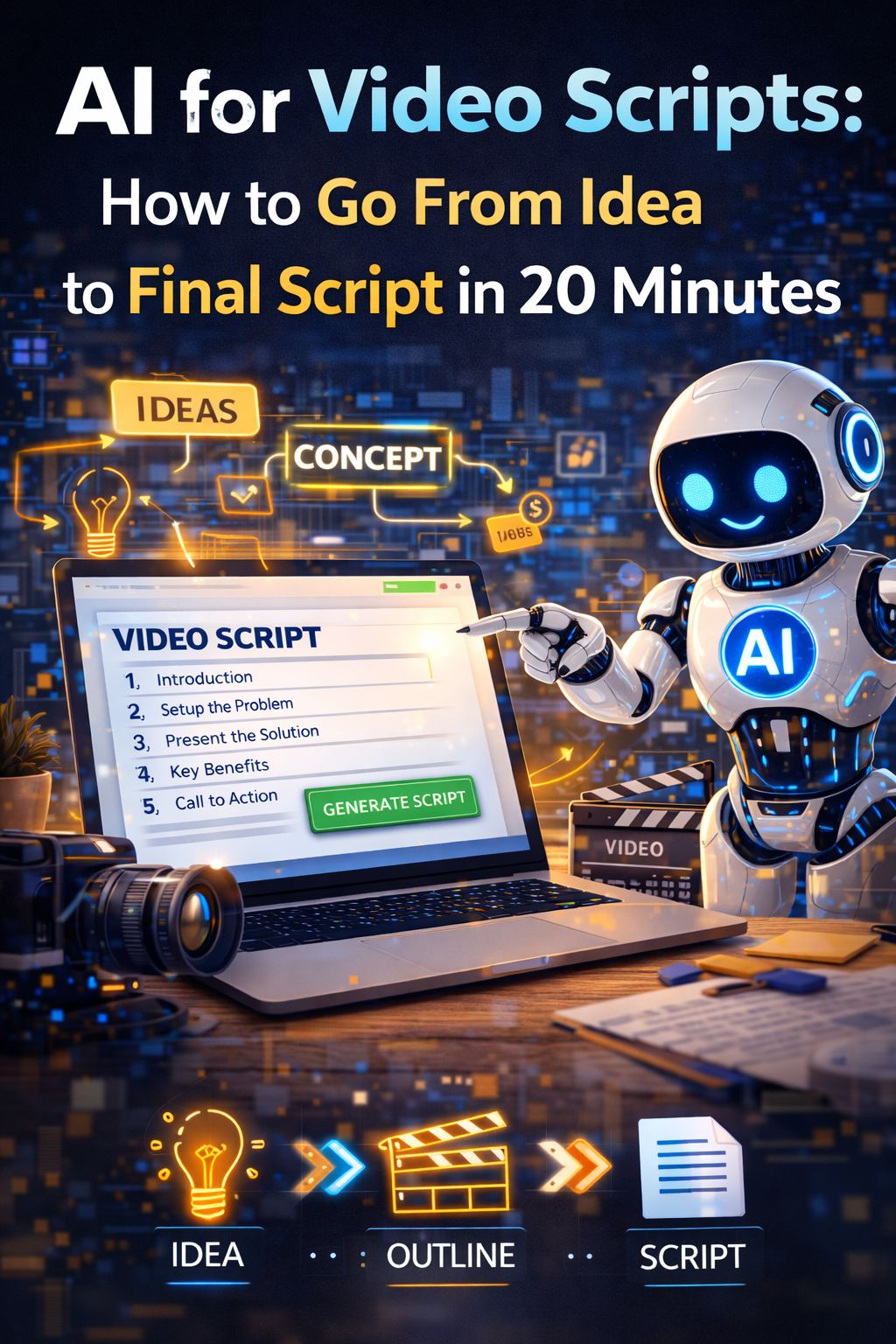
Video has become unavoidable for businesses that want to build an audience, establish credibility, and generate leads through content. The evidence for this is consistent across platforms and industries — video content generates more engagement than text or image content on every major platform, YouTube is the second largest search engine in the world, and short-form video on Instagram, TikTok, and LinkedIn has become the primary discovery mechanism for a growing proportion of business buyers and consumers alike.
The problem for most small business owners isn’t recognizing that video matters. It’s the production bottleneck that sits between knowing video is important and actually making videos consistently. Recording is easier than it’s ever been — the camera in your pocket produces footage that would have required professional equipment a decade ago. Editing tools have become more accessible. But scripting — figuring out what to say, how to structure it, how to open compellingly, how to maintain attention for the duration, and how to close in a way that produces the action you want — remains the step where most business owners get stuck.
A blank page and a camera are a combination that produces either over-scripted videos that feel stilted and read rather than spoken, or unscripted videos that ramble, lose the point, and end without a clear conclusion. AI tools solve the scripting problem specifically, and solving it reduces the video production bottleneck from hours of preparation to twenty minutes of focused work.
Why Video Scripts Are Different From Other Writing
The first thing to understand about AI-assisted video scripts is that scripts are a fundamentally different writing format from blog posts, emails, or marketing copy, and treating them the same produces scripts that are technically complete and terrible to deliver on camera.
Written content is processed by a reader who can slow down, reread, and follow complex sentence structures. Spoken content is processed by a listener in real time with no ability to rewind. The cognitive load of spoken language is higher for the audience, which means the structural requirements are different — shorter sentences, more signposting, more repetition of key points, and a rhythm that sounds natural when spoken rather than natural when read.
The tell that a script was written for the page rather than for the camera is the moment the presenter starts sounding like they’re reading rather than talking. The sentences are too long. The vocabulary is too formal. The transitions are too elaborate. The listener stops feeling like someone is talking to them and starts feeling like they’re being read at, and engagement drops immediately.
AI tools default to writing in the register of written language rather than spoken language unless explicitly directed otherwise. The direction that matters most for video scripts is telling the AI that the output will be spoken on camera, asking it to write in short conversational sentences, and asking it to avoid any construction that would sound awkward when read aloud. That direction alone significantly improves the deliverability of AI-generated scripts.
The Three Types of Business Videos and What Each Needs
Different video formats serve different purposes and require different script approaches. Understanding which type of video you’re making before starting the script keeps the AI’s output focused on the right structure rather than producing a generic script that doesn’t quite fit any format.
Explainer videos cover a topic or concept relevant to your audience — how something works, why something matters, what someone should know about a subject in your area of expertise. Their purpose is to establish credibility and provide genuine value to viewers who are in the discovery phase of their relationship with your business. The script structure for an explainer video opens with the specific question or problem the video addresses, works through the explanation in logical steps with clear transitions between them, and closes with a practical takeaway and a soft call to action — typically to watch another video or to visit your website to learn more.
Tutorial and how-to videos walk through a specific process step by step. Their purpose is practical — the viewer wants to know how to do something and the video either teaches them to do it themselves or demonstrates that you’re capable of doing it for them. The script structure is sequential by nature — introduction of what the video covers, numbered steps in the order they’re performed, and a conclusion that confirms what was accomplished and what comes next.
Promotional and sales videos introduce a product, service, or offer to potential customers. Their purpose is to move viewers from awareness to consideration or from consideration to purchase. The script structure follows the classic problem-solution-proof-call to action pattern: open with the specific problem the viewer experiences, introduce your solution, provide evidence that the solution works — through results, testimonials, or demonstrations — and close with a clear specific call to action.
Knowing which of these three types you’re making before writing the script prompt allows you to give the AI the right structural direction from the beginning rather than receiving a generic video script that you then have to restructure.
The Twenty-Minute Script Workflow
The workflow that produces a usable video script in twenty minutes is structured around four steps that build on each other rather than approaching the script as a single task.
The first five minutes are for the brief. Before touching an AI tool, write a short paragraph capturing the answers to five questions: Who is this video for specifically? What is the single most important thing they should understand or do after watching? What evidence or examples will you use to support the main point? What action do you want them to take at the end? What tone should the video have — educational and authoritative, conversational and friendly, energetic and motivational?
The brief seems like an extra step that slows down the process. It doesn’t — it makes every subsequent step faster because the AI has enough specific direction to produce a relevant first draft rather than a generic one that requires significant revision.
The next five minutes are for the initial prompt and first draft. Paste your brief into your AI tool and add the following standard instructions: write this as a spoken script, not a written article; use short sentences of fifteen words or fewer; write in a conversational tone as if talking to one person; avoid jargon unless it’s specific to the audience; include natural verbal transitions between sections; and indicate where pauses should occur for emphasis. Ask for a script of the appropriate length for your video — roughly 150 words per minute of finished video, so a two-minute video needs approximately 300 words.
The next five minutes are for reviewing and marking. Read the draft out loud — not in your head, but actually speaking it. This is the only reliable way to identify phrases that work on paper but feel unnatural to say. Mark every sentence that you stumble over, every transition that feels formal, every word that you wouldn’t naturally use in conversation. These are your revision targets.
The final five minutes are for revision. Give the AI specific feedback on each marked section — not “make this more conversational” but “this sentence is too long, break it into two” or “this transition sounds too formal, replace it with something more direct.” After one round of specific revision feedback, read the script aloud again. A script that reads naturally the second time is ready to deliver. One that still has awkward sections needs one more round of specific feedback.
Opening Lines That Hook Immediately
The opening of a video script is where most business videos lose their audience. The standard business video opening — “Hi, I’m [name] from [company], and today we’re going to talk about [topic]” — tells the viewer nothing they care about in the first ten seconds and gives them no reason not to scroll past.
Viewers on every platform make the stay-or-scroll decision within the first three to five seconds. The script’s job in those seconds is to give them a reason to stay — a question they want answered, a problem they recognize, a statement that challenges something they assumed, or a promise of specific value they’ll receive from watching.
AI tools generate strong opening hooks well when given the right direction. A prompt that works: “Generate ten possible opening lines for a video about [topic] for an audience of [audience description]. Each opening should create an immediate reason to keep watching — through a surprising statistic, a relatable problem, a counterintuitive claim, or a specific promise. Do not start with a self-introduction. Each opening should be under twenty words.”
Review the ten options and select the one that most accurately hooks the specific interest of your target viewer while being something you can deliver naturally. The opening hook is worth spending extra time on because its impact on video completion rates — the percentage of viewers who watch through to the end — is higher than any other element of the script.
Adapting Scripts for Different Platforms and Lengths
The same core content often needs to work across multiple video formats and platforms — a long-form YouTube video on a topic, a short-form Instagram Reel covering the key point, a LinkedIn video with a professional angle on the same material. Producing three separate scripts from scratch triples the production time. Using AI to adapt a primary script for each platform reduces the additional time to minutes.
Once you have a complete script for your primary format, ask the AI to adapt it for each additional platform with specific constraints for each. For a YouTube long-form video being adapted to Instagram Reels, the constraints might be: reduce to sixty seconds maximum, keep only the single most compelling point from the original, make the hook even more immediate since Reels viewers are faster to scroll, and remove the detailed explanation in favor of a single clear takeaway with a call to action to watch the full version.
For LinkedIn, the adaptation might maintain slightly more depth than Instagram but shift the tone to be more professionally framed and add context that LinkedIn’s professional audience expects. For TikTok, the adaptation prioritizes entertainment value and immediate engagement even more strongly than other platforms.
The AI’s adaptation of a single well-developed script to multiple platforms is faster and more consistent than writing separately for each platform, and it maintains the core message across formats while adjusting the delivery to match each platform’s specific demands.
Scripts for the Camera-Shy Business Owner
One of the underused applications of AI video script assistance is helping business owners who are uncomfortable on camera deliver content more confidently. The discomfort of being on camera is often compounded by the cognitive load of remembering what to say while also trying to look natural and authoritative. Having a well-structured script reduces the cognitive load significantly and allows more attention to go to delivery.
The script format that works best for camera-shy presenters is a talking points document rather than a word-for-word script. A word-for-word script produces either over-rehearsed delivery that feels memorized or halting delivery from someone trying to remember exact phrasing. Talking points — bullet points capturing the key idea and supporting detail for each section of the video — give enough structure to prevent rambling while allowing natural delivery that doesn’t feel read.
Ask your AI tool to convert a complete video script into a talking points document. The prompt: “Convert this video script into a talking points document I can use on camera. For each section, give me the key idea in one sentence and two or three supporting points. The document should be something I can glance at between takes rather than read word for word.” The resulting document gives you the structure of the script in a format that supports natural delivery rather than recitation.
Building a Video Script Library Over Time
The most efficient video production operation is one where you’re not starting from scratch each time. Business videos tend to cluster around recurring themes — frequently asked questions, common objections, topic areas where your expertise is clearest — and the scripts for these recurring video types share structural patterns that become more efficient to produce once you’ve built them once.
After producing scripts for your first ten to fifteen videos, ask your AI tool to identify the structural patterns in the scripts that performed best — which openings generated the most engagement, which closing calls to action produced the most clicks, which explanation structures held viewer attention longest. Use these patterns as templates for future scripts rather than constructing each one from first principles.
A library of tested script templates — one for explainer videos, one for tutorials, one for promotional videos, one for case studies — reduces the scripting time for new videos from twenty minutes to ten, because you’re filling in a proven structure with new content rather than building the structure fresh each time. That efficiency compounds over time and is one of the factors that separates businesses producing video consistently from those producing it sporadically.
From Script to Published Video Faster Than You Think
The scripting bottleneck is real but it’s solvable, and solving it makes the other parts of video production feel more manageable because you’re walking into the recording session knowing exactly what you’re going to say rather than figuring it out in front of the camera. A confident presenter with a well-prepared script produces better footage than an expert who’s improvising, and better footage requires less editing time to produce a polished final video.
Twenty minutes to a usable script, a focused recording session, and basic editing produces video content that builds your business’s credibility and generates leads consistently. The process becomes faster and more natural with every video you make, and the AI assistance at the scripting stage is what makes the whole process accessible before the habit is fully established.
→ Related: The Complete Guide to Using ChatGPT for Social Media Content in 2026
→ Also worth reading: How to Use AI to Write Marketing Copy That Doesn’t Sound Like a Robot
Making videos for your business and hitting a specific wall in the production process — scripting, delivery, or something else? Leave a comment describing where you get stuck and we’ll give you a practical fix for that specific bottleneck.
Leave a Reply